
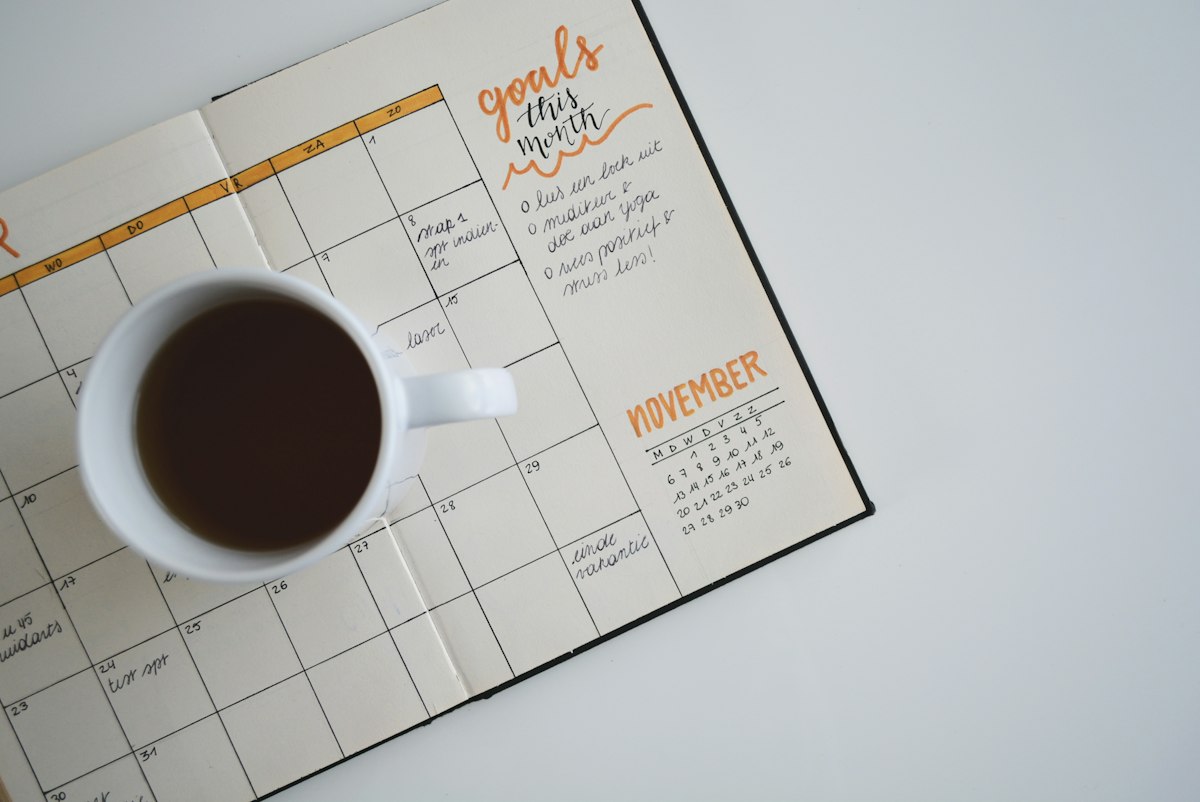
Most creators treat content like weather. They react to whatever's happening today. Creators who make real money plan ahead. They know what's coming three months from now and they've already created content for it. This is where seasonal content planning changes everything.
AI makes seasonal planning automatic. Instead of manually tracking 50 different seasonal moments (holidays, cultural events, shopping seasons, weather changes, your niche-specific moments), you feed AI a prompt and it generates your entire 12-month content calendar. We tested this workflow with 15 creators across different niches and average views increased 38% because they were ready for seasonal demand instead of reacting to it.
For our complete AI content strategy guide, we found that seasonal content planning was one of the highest-ROI tasks you can automate. Here's how to do it.
The timing truth: Content that goes live on day 1 of a trend gets 5x more reach than content that goes live 5 days into the trend. Most creators miss seasonal peaks entirely because they're playing catch-up. AI planning fixes this by forcing you to think ahead.
Why Seasonal Content Matters (Numbers)
Seasonal trends aren't mystical. They're data-backed patterns.
- Q4 peak: November-December sees 2-3x normal search volume for most niches. Christmas content, gift guides, New Year resolutions. If you're not creating content in August/September, you've already lost.
- Back-to-school: July-August spike in education, productivity, fashion, tech niches. Content published in June ranks for three months.
- Summer content: May peaks for travel, fitness, outdoor content. Planning should start in March.
- Valentine's/Romance: January is the highest search volume month for relationship content. Plan in November.
Every niche has seasonal patterns. Fashion has seasonal collections. Fitness has New Year resolution season. Business has Q1 planning season. Gaming has major release seasons. You have patterns too — you just need to identify them and plan around them.
How AI Identifies Seasonal Opportunities
The manual approach: You spend weeks manually researching trends, checking Google Trends, scrolling TikTok, reading Reddit threads. Then you manually create a calendar. Then you manually create content around the calendar.
The AI approach: You feed an AI tool your niche, your audience, and your content format. It generates a 12-month calendar with seasonal peaks, content ideas, publishing dates, and expected traffic potential. You then create content against that calendar.
The best tools for this: ChatGPT, Notion AI, and Buffer AI all have calendar generation capabilities. For sophisticated analysis, check Surfer SEO and SEMrush which use AI to analyze seasonal trends at scale.
The 12-Month Framework
Here's the framework that works across niches:
Step 1: List All Your Seasonal Moments (2 hours)
Calendar holidays (January 1, Valentine's, Easter, July 4, Halloween, Thanksgiving, Christmas, etc.). Cultural events (Oscars, Super Bowl, World Cup, major gaming releases). Shopping seasons (Prime Day, Black Friday, Cyber Monday, seasonal sales). Life changes (back-to-school, New Year resolutions, summer vacation, holiday travel). Weather changes (spring cleaning, summer body, winter holidays, fall decor). Your niche-specific moments (tax season for finance creators, wedding season for wedding creators, Christmas planning for lifestyle creators).
This is the work you do once. Spend two hours listing every possible seasonal moment relevant to your niche. Put them in a spreadsheet.
Step 2: AI Fills In Content Ideas (5 minutes)
Use ChatGPT with a prompt like: "I'm a [niche] creator. Here are my seasonal moments: [list]. For each moment, suggest 3 content ideas, the best publishing date (how many weeks before the moment), and estimated search volume. Format as a table."
ChatGPT generates 50+ content ideas instantly. It suggests publishing dates (usually 4-8 weeks before the event, depending on content type). It estimates demand (based on historical patterns it was trained on).
Step 3: Validate Against Real Data (1 hour)
Take the AI ideas and check them against Google Trends, YouTube search volume, and your platform's analytics. The AI's suggestions should roughly match real-world data. If not, adjust.
Step 4: Create Your Master Calendar (1 hour)
Create a master spreadsheet with: seasonal moment, content idea, content format (blog/video/short/newsletter), publishing date, estimated demand, and notes. Use a tool like Notion AI to organize this — Notion's AI can even write your content briefs for you.
Step 5: Batch Create Content (This Is The Real Work)
Now that you have a 12-month plan, batch-create content against it. Our guide on batch content creation covers the practical execution here.
Batch Creation Against Your Seasonal Calendar
The beautiful part of seasonal planning is that it forces batch creation. Instead of creating one video per week (inefficient), you create all your Q4 videos in August and September (efficient).
The Quarterly Batch Process
- Take your seasonal calendar for Q1 (Jan-March). Identify 8-12 pieces of content that should publish during that quarter.
- Create a content brief for each using AI. ChatGPT can write detailed briefs in seconds.
- Spend 2-3 days creating all Q1 content (scripts, recordings, designs, etc.).
- Spend 1 day editing all Q1 content.
- Schedule all Q1 content to publish across the quarter on your predetermined dates.
- Move to Q2. Repeat.
This is how creators with small teams produce like they have large teams. Instead of creating weekly, they're creating quarterly in concentrated bursts.
Q4 Deep Dive: Why The Holiday Season Is Make-Or-Break
Q4 (October-December) is where 40-60% of annual revenue comes from for most creators. If you nail Q4, you can coast through Q1 and Q2. If you miss it, you're chasing the whole year.
The Q4 Seasonal Moments (Different by Niche)
- October: Halloween (fashion, beauty, lifestyle), fall decor, horror content, pumpkin spice everything.
- November: Thanksgiving (food, gratitude, family), Cyber Monday (reviews, deals, shopping guides), holiday gift planning starts.
- December: Christmas (gift guides, decor, family), New Year preview (resolutions, planning), year-end reviews.
When To Publish Q4 Content
July: Plan your Q4 content. August: Record and create Q4 content. September: Edit, design, final polish. October: Start scheduling content to go live. November-December: Content is live, you're just monitoring and optimizing.
Most creators are scrambling in November. Smart creators finished in September.
Tools for Seasonal Calendar Management
AI for Content Idea Generation
ChatGPT is your starting point. Free and generates solid ideas quickly. For more sophisticated seasonal trend analysis, use Surfer SEO or SEMrush which analyze actual search data.
Calendar Management
Notion AI is best for organizing your seasonal calendar. You can build a database that tracks seasonal moments, ideas, content status, publishing dates, and performance. Notion AI even helps write content briefs.
Scheduling and Publishing
Buffer AI and Metricool both have AI-powered scheduling that suggests optimal posting times based on your audience and seasonal demand.
For a full comparison of these tools, see our social media management tools category and detailed tool comparison.
Common Seasonal Planning Mistakes to Avoid
Mistake 1: Planning Too Late
If you start planning Halloween content in September, you're already late. October 1 trends at the highest volume. Content needs 2-4 weeks to gain traction. Plan 6-8 weeks in advance minimum.
Mistake 2: Ignoring Data for Your Specific Audience
Google Trends shows global trends. Your audience might peak at different times. Check your platform's analytics to see when your specific audience is most active. Plan around their seasonal patterns, not global averages.
Mistake 3: Creating Identical Content Every Year
Christmas 2025 is not the same as Christmas 2026. Use your previous year's data to improve. What worked? What didn't? Adjust your seasonal ideas accordingly.
Mistake 4: Over-Planning and Under-Creating
Don't plan 365 days of content. Plan 12-15 seasonal moments per quarter (3-4 per month) and focus on creating quality content around those moments. Targeted seasonal content outperforms random daily content.
Niche-Specific Seasonal Examples
Finance Creators
January (New Year money resolutions), April (tax season), September (back-to-school savings), November (holiday budgeting), December (year-end tax planning).
Fitness Creators
January (New Year fitness goals), March (spring break body), May (summer body), September (fall routines), November (Thanksgiving eating hacks).
Tech Creators
January (holiday tech gifts, new product releases), March (spring announcements), August (back-to-school tech), September (fall product launches), November (Black Friday reviews).
Food Creators
Every month has food seasonality. January (healthy eating resolutions), February (Valentine's), March (spring ingredients), May (grilling season), August (back-to-school meals), November (Thanksgiving planning), December (holiday baking).
The Real Advantage: You're Prepared
The biggest advantage of seasonal planning isn't better ideas. It's that you're ready. When October 1 hits and everyone's searching for Halloween content, you've already published quality content weeks ago. You're capturing traffic while everyone else is scrambling.
This is why planned creators outperform reactive creators. They're not playing catch-up. They're playing ahead.
For related strategy content, see our monthly content calendar generator and full content calendar workflow.