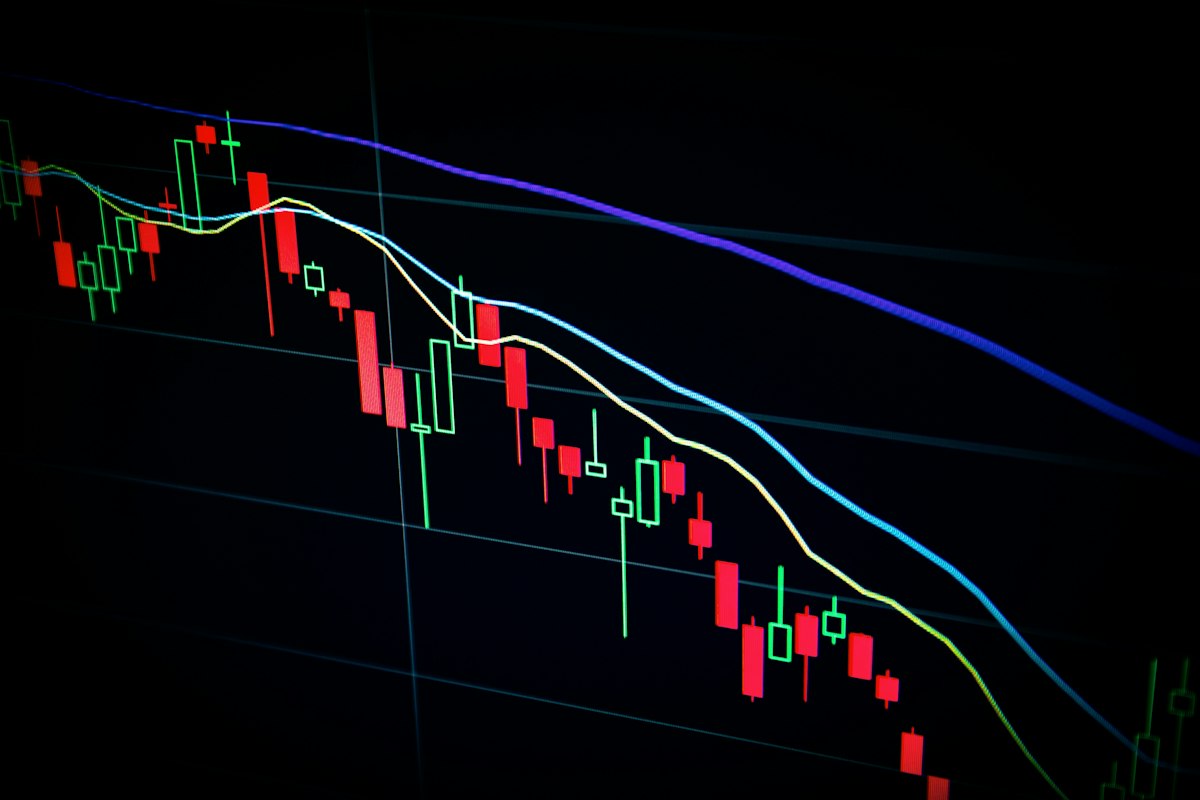
Finance content lives or dies on how clearly it communicates data. A chart that makes a complex trend instantly understandable is worth ten paragraphs of explanation. And yet most finance creators still build their visuals the hard way — screenshot from Yahoo Finance, awkwardly annotate in PowerPoint, hope it doesn't look terrible on mobile. AI changes this workflow completely. This is what AI for financial data visualization and charts looks like in practice, and it's one of the most underutilized tools in the finance creator's AI stack.
This guide covers the tools, the workflows, and the visual formats that work best for different types of financial content — from personal finance education to market analysis to investing breakdowns.
Why Financial Data Visualization Matters More Than You Think
Your audience follows finance content because they want to understand money better. The gap between data and understanding is almost always visual. When someone sees a 20-year chart of the S&P 500 compared to inflation, they get compound growth in a way that reading about it never achieves. When they see a pie chart of where their spending actually goes, it hits differently than a spreadsheet. Visual communication of financial data isn't a nice-to-have — it's one of the core competencies of finance creators who build large, loyal audiences.
The creators who consistently produce clear, branded financial visualizations stand out in a crowded space. AI makes producing that quality of visual content practical for individual creators without a graphic design background or a production team.
The engagement data: Finance posts with custom charts or infographics consistently outperform text-only posts in saves and shares — which are the metrics that drive algorithmic distribution. A well-designed chart is inherently shareable in a way that text explanation isn't. People forward charts. They screenshot charts. They don't forward paragraphs.
AI Tools for Financial Data Visualization
Canva AI (Best for Non-Technical Creators)
Canva AI is the starting point for most finance creators who want polished charts without technical complexity. The platform's AI features let you describe what you want — "a line chart showing stock price over 12 months with a clean, professional look" — and it generates starting templates you can customize. Combined with Canva's brand kit features, you can produce consistently styled charts that match your visual identity across every piece of content.
Canva AI
Best for: Quick, polished infographics and branded charts. Strong templates for personal finance concepts and market explainers.
ChatGPT / Claude with Code Interpreter (Best for Custom Analysis)
ChatGPT's code interpreter (Advanced Data Analysis mode) is a genuinely powerful tool for finance creators who work with raw data. You upload a CSV or paste in data, ask for a specific chart type, and the AI writes and executes Python code to generate publication-quality visualizations. You can specify exact colors, fonts, and layout preferences. The output is a downloadable image file that you can use directly in your content.
This approach requires no coding knowledge — you describe what you want in plain English. But it does require you to have actual data, not just a desire for a chart. If you're analyzing your own portfolio, a stock's historical performance, or economic indicators from public datasets, this is the highest-quality free option available.
Midjourney + Reference Charts (For Illustrative Visuals)
For illustrative charts — ones that are meant to convey a concept rather than display precise data — Midjourney can generate polished financial visual assets. Use it for concept illustrations like "compound interest curve," "dollar cost averaging diagram," or "portfolio diversification visual." These work well in educational content where the precise data points matter less than the conceptual message.
Types of Financial Visualizations and When to Use Each
Line Charts (Market Performance, Trends Over Time)
Line charts are the workhorse of finance content. Best for: stock price history, portfolio growth over time, economic indicator trends, comparison of investment returns across different strategies. AI excels at generating clean line chart templates where you can substitute your own data. For brand consistency, establish a color palette (one color per line, consistent background and font) and apply it to every line chart you produce.
Bar and Column Charts (Comparisons, Rankings)
Bar charts are best for discrete comparisons: average returns by asset class, expense ratio comparison across funds, income vs spending by category. AI tools like Canva AI produce clean bar chart templates quickly. The key visual decision is horizontal vs vertical — horizontal bars are easier to read when you have many categories or long labels; vertical bars are better for time-based comparisons.
Pie and Donut Charts (Allocation and Distribution)
Pie charts are overused and poorly executed in finance content. Use them only when showing allocation or composition — portfolio breakdown by asset class, spending by category, revenue by source — and limit to 5-6 segments maximum. More than that and the chart becomes unreadable. Donut charts (pie with a hole in the middle) are slightly more modern and allow you to put a key number in the center.
Infographics (Complex Concepts Made Simple)
For educational finance content — explaining how compound interest works, how the Federal Reserve affects interest rates, what happens during a recession — structured infographics outperform all other formats. They can be reshared across platforms, saved, and pinned. AI generates the structure and copy for infographics quickly; the visual execution uses Canva AI templates. This is the format most associated with high-follower finance accounts on Instagram and Pinterest.
Best AI Tools for Finance Creator Content
See the full review of AI tools that finance and business creators actually use to build their audiences.
View the RankingsThe AI-Assisted Visualization Workflow
Here's the practical workflow for producing a custom financial chart for a piece of content:
- Define what you're showing: What specific data point or comparison do you want the viewer to take away? If you can't state it in one sentence, the chart isn't focused enough.
- Collect the data: Pull from public sources (Federal Reserve Economic Data, Yahoo Finance, World Bank, company filings). AI can help you identify the right data sources for specific metrics.
- Choose the chart type: Match the visualization format to the data type (trend = line chart, comparison = bar chart, composition = pie/donut).
- Generate with AI: Use ChatGPT Code Interpreter for precise data charts, or Canva AI for template-based visualizations.
- Apply brand styling: Consistent colors, fonts, and logo watermark. This step transforms a generic chart into content that's recognizably yours.
- Add annotation: Draw the viewer's eye to the most important insight with an arrow, callout, or highlighted section. AI can suggest what to annotate: "What's the most important thing a first-time investor should notice in this chart?"
Making Charts Work Across Platforms
A chart designed for a blog post won't automatically work as a social media post. Different platforms have different aspect ratio requirements and viewing contexts.
For Instagram feed posts, use a square (1:1) or portrait (4:5) format. The chart needs to be readable at thumbnail size — which means fewer data points, larger text, and bolder visual contrast. For YouTube thumbnails, the chart is decorative — use it as a background element rather than the hero. For newsletter embeds, wider horizontal formats work best; keep text labels large enough to read on mobile screens.
AI tools like Canva AI let you resize a design to multiple formats simultaneously, which makes multi-platform distribution of a single chart much more efficient.
Accuracy and Responsibility in Financial Visualizations
Finance content carries a higher accuracy responsibility than most content categories. A misleading chart — one that truncates a Y-axis to exaggerate performance, or cherry-picks a date range to support a narrative — damages your credibility permanently with financially literate viewers. And financially literate viewers are exactly the audience you want.
Use AI to generate chart structures, but always verify the underlying data from primary sources. Add disclosure text to any chart showing investment performance: "Past performance does not guarantee future results." For anything involving specific securities or investment recommendations, consult your platform's compliance requirements and relevant financial regulations.
For a broader look at the full finance creator toolkit, see the complete guide to AI for finance and business creators and our piece on AI for finance newsletter writing strategy. For the design tools themselves, the AI thumbnail and image generators category covers every relevant tool.
Frequently Asked Questions
Do I need design skills to create good financial charts with AI?
No. Canva AI and ChatGPT's code interpreter handle the technical execution. What you do need is judgment about which data to show, which chart type fits the data, and what the key insight is. That's editorial judgment, not design skill — and it's the part that can't be automated.
Where do I find free financial data to visualize?
Primary sources: FRED (Federal Reserve Economic Data) at fred.stlouisfed.org for macroeconomic data, Yahoo Finance for stock price history, the World Bank for international economic data, and company investor relations pages for corporate financial data. All are free and publicly accessible.
How do I make my charts look different from everyone else's?
Brand consistency is the differentiator. Define your color palette (2-3 colors maximum), your font choices, and a consistent annotation style. Apply these to every chart. After 20-30 pieces of content, your charts become recognizable at a glance — which builds the kind of brand recognition that drives follows and shares.