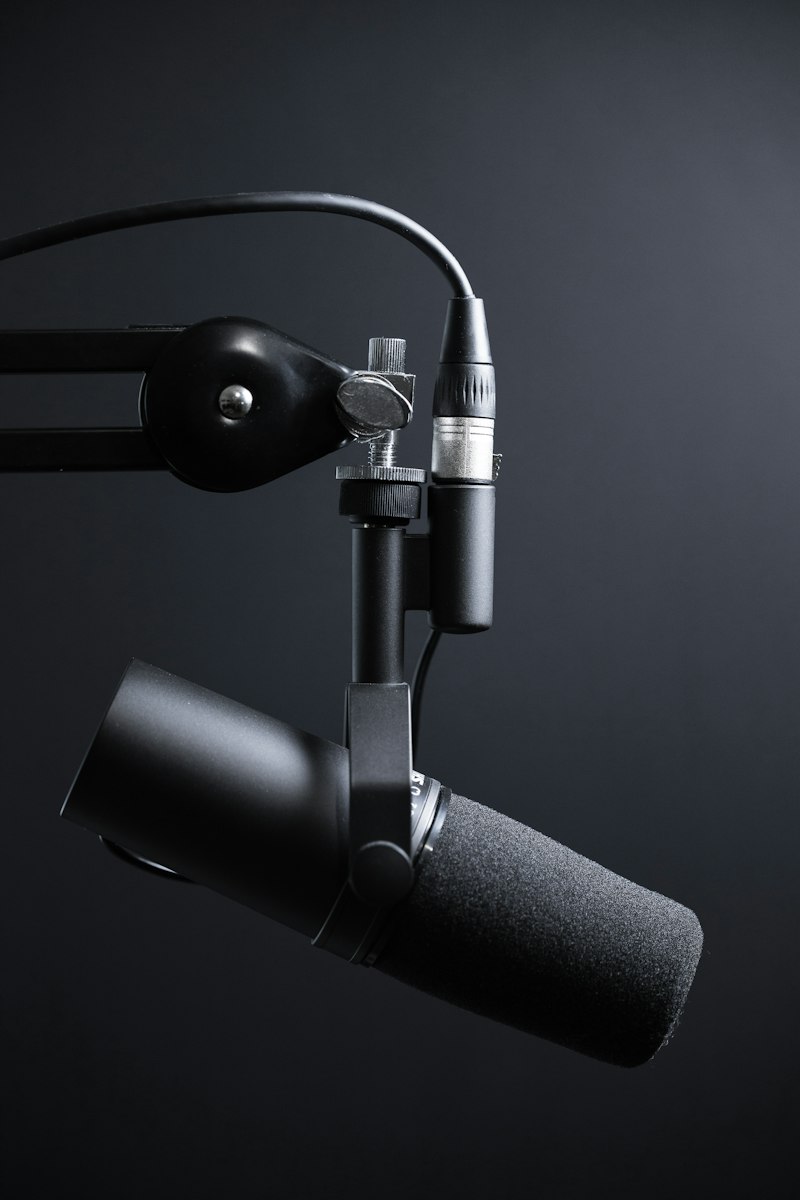
Podcaster recording audio in professional studio setup with microphone and headphones

// category — AI voice & audio

Best AI Voice & Audio Tools 2026

Clone your voice, generate studio-quality speech, record crystal-clear podcasts remotely, and produce background music without a license headache. We tested them all — here's what actually works for creators.
7 tools reviewed Updated March 2026 Search volume: 8,200/mo
Filter:

Why AI Voice Tools Changed Everything for Creators

Three years ago, getting studio-quality voice required booking time at an actual studio. Now you can clone your own voice with ElevenLabs and generate a whole narration track from text in under two minutes. Murf AI gives you access to hundreds of ultra-realistic synthetic voices. Descript lets you fix your audio recording by literally retyping the sentence.

If you're a podcaster, tools like Riverside and Podcastle record each guest locally at full quality and sync everything in post — no more tinny audio from a bad WiFi connection ruining your episode. And if you need background music that won't get you DMCA-striked, Suno AI and Udio generate full tracks from a text prompt.

These tools pair naturally with a solid podcast-to-newsletter workflow and slot right into the AI caption and subtitle tools category for creators doing video. If you're comparing the top voice generators head-to-head, check our ElevenLabs vs Murf vs Descript voice comparison.

Female podcaster editing audio waveforms on professional recording software

ElevenLabs vs Murf vs Descript — which voice AI wins for creators?

Different tools dominate different use cases. We break down cloning quality, languages, pricing, and who each one is actually built for.

See Full Comparison
Creator recording voice narration at home studio setup with condenser microphone Top Pick 9.3
ElevenLabs
The best AI voice cloning tool on the market. Clone your voice in seconds and generate narration indistinguishable from your real recordings.
Voice Clone Text-to-Speech 29 Languages
Free (limited) — Starter $5/mo
Content creator listening to AI-generated voiceover through studio headphones 8.5
Murf AI
120+ ultra-realistic AI voices across 20 languages. Best for course creators and YouTubers who want professional narration without recording.
120+ Voices Studio Sync to Video
Free (limited) — Creator $29/mo
Two podcasters recording remotely with separate microphones and audio interfaces 8.8
Riverside
Record podcast interviews at 4K video and uncompressed audio, locally on each participant's device. The gold standard for remote podcast recording.
Local Recording 4K Video AI Clips
Free (2 hours) — Standard $15/mo
Podcaster editing audio transcript on screen in Descript text-based interface 8.7
Descript
Edit audio and video by editing the transcript. Delete "um" by selecting it in text. Overdub corrects recordings without re-recording a word.
Overdub Filler Removal Transcription
Free — Creator $24/mo
Young woman recording podcast in home studio with pop filter and audio interface 8.1
Podcastle
Browser-based podcast studio with AI transcription, noise removal, and automated mastering. Great for beginners who want pro results fast.
Noise Removal Mastering Browser-Based
Free — Storyteller $23.99/mo
Music producer creating AI-generated background tracks at laptop in studio 8.0
Suno AI
Generate full songs with vocals from a text prompt. Perfect for YouTube intros, background music, and podcast jingles — no royalty issues.
Full Songs Vocals Royalty-Free
Free (10 songs/day) — Pro $8/mo
Creator listening to AI-generated music through headphones at desktop workstation 7.8
Udio
Rival to Suno with a different sound model. Music sounds more varied and less predictable — worth running both and picking the better output.
AI Music Vocal Tracks Genre Control
Free (limited) — Standard $10/mo

Suno vs Udio — which AI music generator is better for creators?

We put both through the same prompts, compared output quality, licensing terms, and which genres each handles well.

Compare AI Music Tools

// Which creators use AI voice tools most?

Not Sure Which Voice Tool to Start With?

Answer three questions about your content type and budget and we'll tell you exactly which tool to try first — no upsell, no fluff.