// category — AI podcast tools
Record remotely without sacrificing audio quality, auto-generate show notes in seconds, repurpose every episode into a week's worth of content, and get transcripts so accurate you'll question why you ever did it manually. We tested every major podcast AI tool — here's what's actually worth your money.
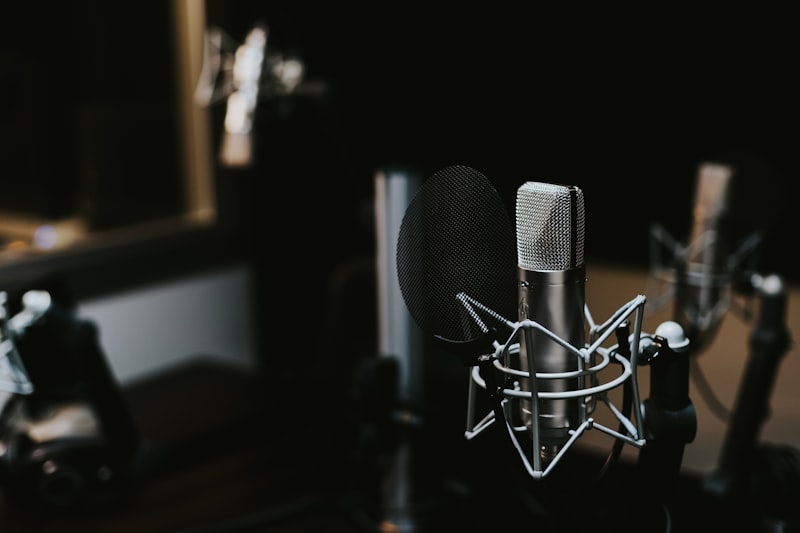
The old podcasting workflow was painful. You'd record remotely and deal with one guest's audio sounding like it was recorded in a tin can. You'd spend three hours editing out ums and dead air. You'd write show notes by hand. Then spend another hour pulling clips for social media.
AI tools completely flipped this. Riverside records each participant's audio locally in lossless quality, so bad internet no longer ruins your episode. Descript lets you edit audio by editing a text transcript — delete a sentence, the audio disappears with it. Castmagic ingests your recording and spits out show notes, timestamps, social posts, and a newsletter section in minutes.
If you're just starting out, the AI Starter Kit has a podcast-specific setup. For a complete system, check the podcast-to-newsletter workflow and the long video to shorts workflow. The AI voice and audio tools category has complementary tools for voice cloning and text-to-speech.
Looking at Repurpose.io vs Castmagic vs Munch? That comparison covers exactly what each tool does best for podcasters trying to maximize content output per episode.
All three turn your podcast into social content, but they do it very differently. We break down output quality, automation depth, and value for money.
// further reading
// workflow
Turn every episode into a full newsletter edition without writing a single word from scratch.
// workflow
Your podcast back catalogue is a course waiting to happen. Here's the AI workflow to make it real.
// workflow
One podcast recording, ten viral clip candidates. The exact tool stack and process we use.
The AI Starter Kit picks your first five tools based on creator type, budget, and the content you actually make.