
Product photos convert. A creator selling merch or courses with professional product imagery can see 30–80% higher conversion rates than the same product shot on a kitchen counter. The challenge is that professional product photography is expensive — $500–2,000 per shoot for a decent photographer and studio setup.
AI has genuinely disrupted this. You can now get studio-quality product photos from an iPhone shot and the right AI tools — for under $30/month. Here's how. This article is part of the complete AI photo editing guide for creators.
Why Creator Product Photography Is Different
If you're selling merch (t-shirts, hoodies, mugs, prints), digital products (presets, templates, ebooks, courses), or physical items from brand deals — your product photos need to do several things that general photography doesn't:
- Show the product clearly on a clean background
- Lifestyle shots showing it being worn/used
- Consistent lighting across all products
- Multiple angles
- Size/scale context
- Mockups showing the product in context
- Device mockups for courses/guides
- Preview images showing content quality
- Trust signals (progress screenshots)
The AI Product Photography Workflow
Here's the workflow I use for creating professional product images from basic smartphone shots. You need three tools and maybe 20 minutes per product.
Shoot the Source Photo
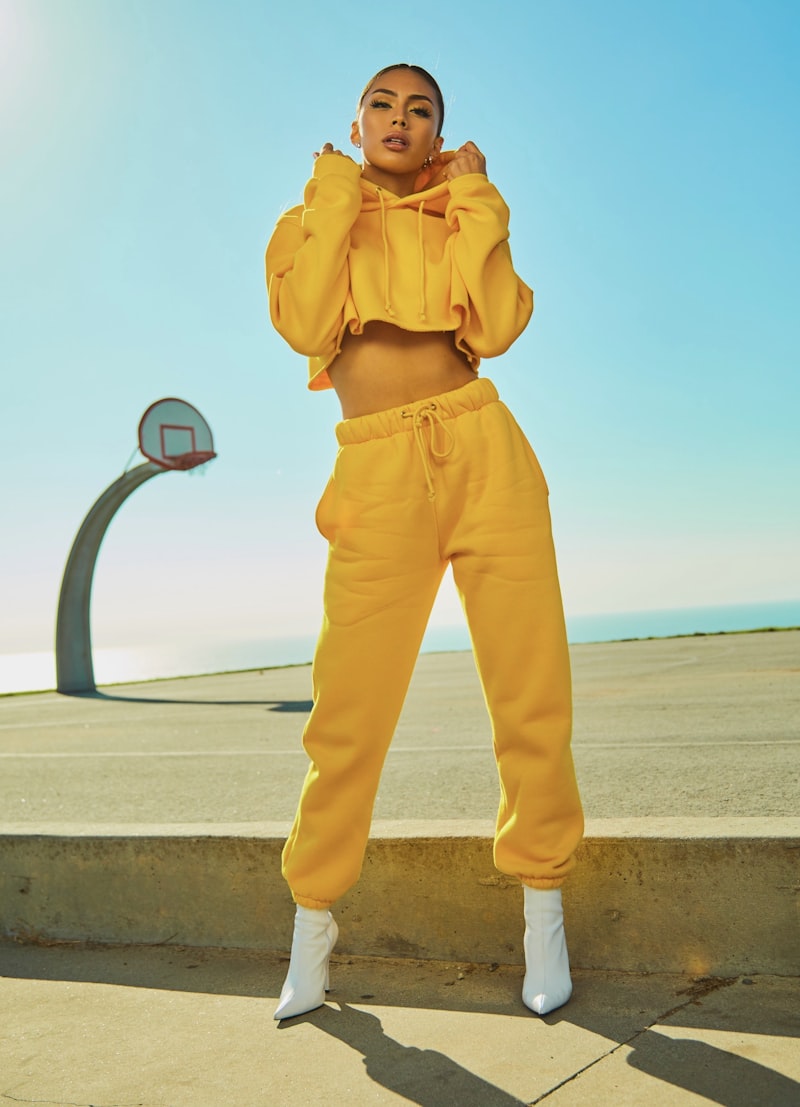
You don't need expensive equipment. What you need is good light. Shoot near a large window during the day. Use a neutral background (white foam board costs $3 at any office supply store). Hold your phone steady or use a $15 tripod.
AI can fix a lot, but it can't fix bad lighting at the source. Natural light is free and usually better than cheap artificial lighting. Overcast days are actually ideal — diffused light with no harsh shadows.
Remove the Background (Photoroom AI)
Photoroom is the best AI background removal tool specifically designed for product photography. Unlike general-purpose tools, it's trained on product shots — so it handles tricky edges (fringe on a hoodie, transparent glass, complex shapes) much better than remove.bg or Canva's background remover.
Purpose-built for product photography. Best edge quality, instant AI background replacement, and batch processing.
Simpler and faster. Good for clean shots. Not as good as Photoroom on complex edges, but perfectly fine for most product types.
More on background tools in our dedicated guide to AI background removal for creators.
Add a Professional Background (Photoroom or Canva)
With your product isolated, you can now drop it onto any background. Options that work well:
Enhance and Retouch (Lightroom or Luminar)
Before finalizing, run the product through a quick AI enhancement pass. Bump exposure and clarity slightly. Increase color vibrance. Run Denoise if you shot in lower light. Make sure the product color looks accurate — AI enhancement sometimes shifts hues.
For merch specifically, color accuracy matters. A hoodie that looks navy blue on your photo but arrives dark gray will generate returns and bad reviews. Check the hex values against your brand's color specs after AI editing.
AI Mockups for Digital Products
Courses, ebooks, Lightroom presets, Notion templates — these don't have physical form, but they still need product photos. The solution is mockups: templates that show your digital product on a device or in a context.
Canva has hundreds of device mockup templates — MacBooks, iPhones, iPads, tablets. Upload a screenshot of your digital product, drop it into the mockup. Done. No design skills needed.
Best for: course landing pages, ebook covers, template marketplace listings, newsletter design mockups.
Dedicated mockup tool with 4,000+ templates — books, t-shirts, mugs, devices, wall art, packaging. Upload your design, preview instantly. AI background scenes available. Integrates with Canva.
Best for: high-volume mockup needs, merch sellers, course creators with multiple products.
Huge library of mockups including lifestyle shots with real people. The t-shirt and apparel mockups have models, which performs better on social than mannequin shots. Good for merch creators who can't do their own lifestyle photography.
Best for: apparel merch, merchandise with real people wearing it, social-first product promotion.
If you sell through Printful, Printify, Gelato, or similar platforms, they provide product mockups automatically. But their generic mockups are often lower quality than custom AI-generated ones. Creating custom photos using the workflow above — even if you just edit the provided mockup files through Photoroom — typically improves conversion significantly.
Generating Product Lifestyle Shots with AI
For physical products you have in hand, the most powerful AI approach is: photograph your product on a plain background, use Photoroom to replace that background with an AI-generated scene that matches your brand aesthetic.
Match the scene to your content niche. A fitness creator's merch should feel different from a book reviewer's — your lifestyle shots communicate your brand before the customer reads a word.
Quick Wins: 5 Ways to Immediately Improve Your Product Photos
FAQ
Can I use AI-generated product photos on Amazon or Etsy?
Both platforms allow AI-enhanced and AI-background product photos. Amazon has specific requirements around white backgrounds for main images. Etsy is more flexible. AI-generated backgrounds that don't reflect the actual product context can violate marketplace guidelines — use real product photos with AI enhancement rather than fully generated images.
What's the fastest workflow for a creator just starting to sell merch?
Use Printful or Printify's mockup generator for your main listing photos. Then create one custom lifestyle mockup using Canva or Smartmockups for your Instagram/TikTok promotional content. That combo covers listing + promotion with under an hour of work.
Do I need to photograph physical products myself for AI enhancement?
For physical products, yes — you need a real photo of the actual item. AI can enhance and retouch it, but generating a realistic photo of a specific physical product from scratch doesn't work reliably yet. For digital products, you don't need to photograph anything — use mockup templates.